Setting up Fire Kirin for the first time? Work through this checklist and you will avoid most first-week problems.
Before you order
- Decide your account level: distributor, sub-distributor or agent. See account types.
- Check the sweepstakes and gaming rules for your state and city. You are responsible for operating legally where you are.
- Plan how many stations, stores or agents you will supply.
When the empty backend arrives
- Sign in using our backend login guide.
- Change the password and store it safely.
- Confirm the account level and that the menus you need are there.
- Only prepay once you are happy with the panel.
After your first load
- Create one test account below you and move a small amount of points to it, so you learn the flow.
- Set up the accounts for your agents or stations with clear usernames.
- Write down simple house rules for your staff: who can load, who can redeem, and how records are kept.
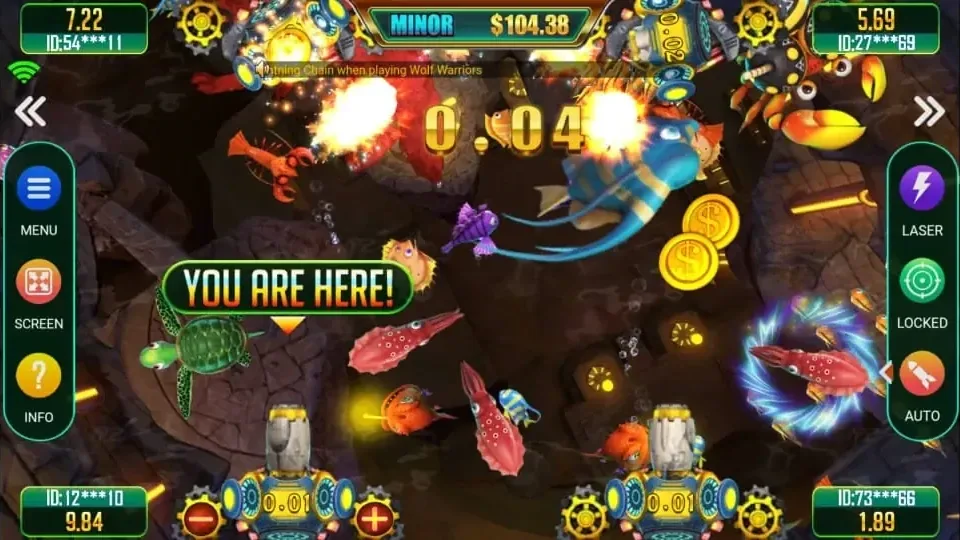
- Learn the game types your customers will see: fish tables, slots and keno. The games list helps.
Ongoing
- Watch your balance and plan reloads ahead (minimum 500 points each).
- Keep all orders and confirmations in one chat with us.
- Only use the sign-in address we confirmed.